15 UI Design Mistakes to Avoid for Better User Interfaces
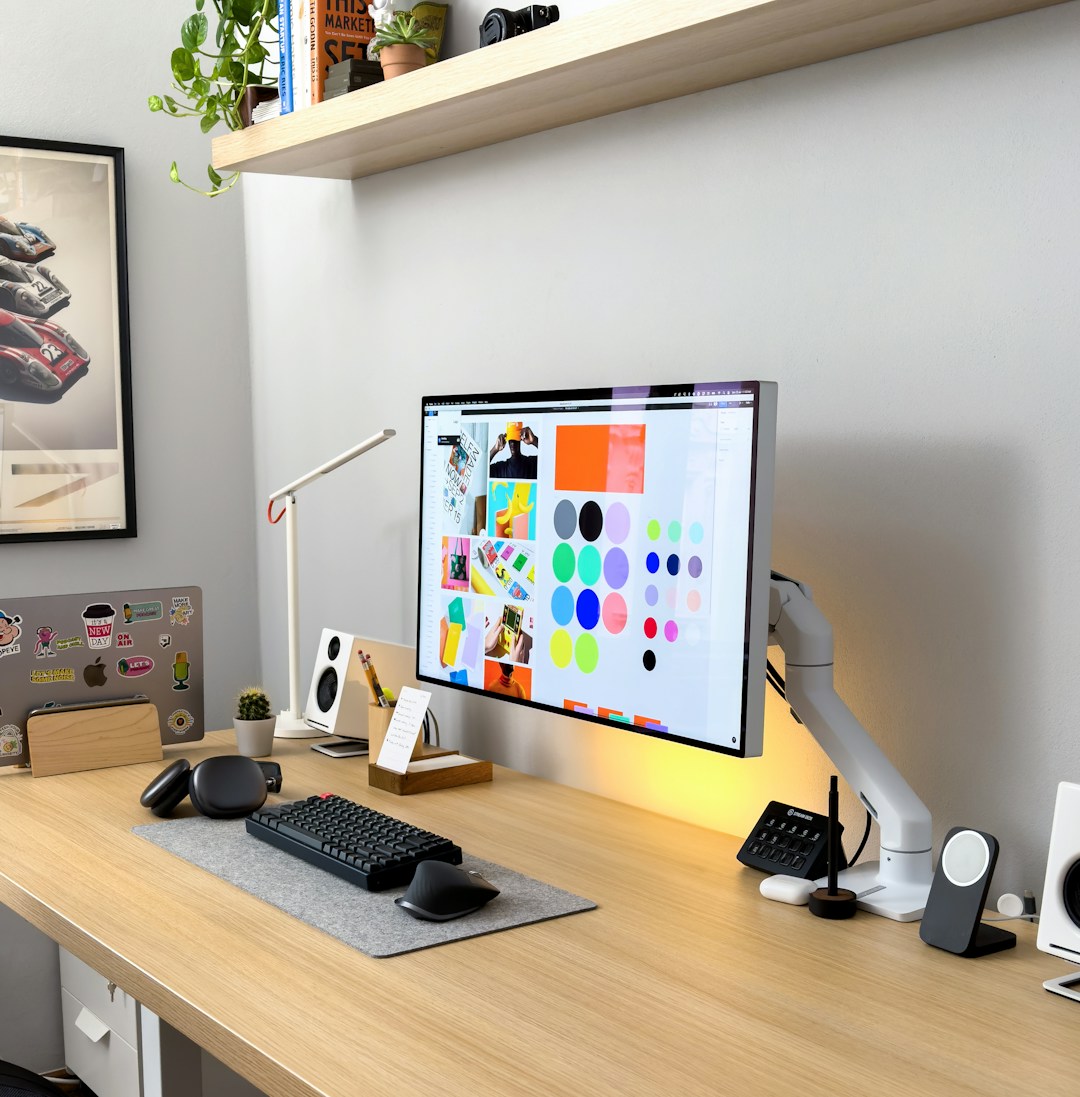
Creating a user interface (UI) that is both functional and visually appealing is crucial for the success of any application or website. However, even experienced designers can fall into common traps that can hinder user experience. In this article, we will explore 15 common UI design mistakes and how to avoid them to create more effective and user-friendly interfaces.
1. Ignoring User Needs
Designing without understanding user needs is a fundamental mistake. Conduct user research to identify their goals, preferences, and pain points. This ensures the design aligns with user expectations and requirements.
2. Overcomplicating the Interface
Complex designs can overwhelm users. Aim for simplicity by focusing on essential features and using minimalistic design principles. Ensure that the user can easily navigate and find what they need without unnecessary clutter.
3. Inconsistent Design Elements
Inconsistency in design elements like fonts, colors, and button styles can confuse users. Maintain a consistent design language across the interface to create a cohesive experience and improve usability.
4. Poor Typography Choices
Typography affects readability and the overall aesthetic. Avoid using too many font styles or sizes. Opt for clear, legible fonts and maintain a consistent hierarchy to guide the user's eye effectively.
5. Ineffective Use of Color
Colors should enhance the user experience, not hinder it. Avoid using too many colors or clashing combinations. Use colors strategically to highlight important elements and maintain accessibility standards for colorblind users.
6. Ignoring Accessibility
Designing without considering accessibility can alienate a significant portion of users. Implement features like screen reader compatibility, keyboard navigation, and sufficient color contrast to ensure inclusivity.
7. Lack of Feedback
Users need feedback to understand their actions within the interface. Provide immediate and clear feedback, such as loading indicators or confirmation messages, to enhance user confidence and satisfaction.
8. Overloading Users with Information
Information overload can cause confusion and frustration. Prioritize content and present it in digestible chunks. Use whitespace effectively to create a balanced layout and reduce cognitive load.
9. Neglecting Mobile Responsiveness
With the increasing use of mobile devices, a non-responsive design can significantly impact user experience. Ensure that your interface is fully responsive and adapts seamlessly to different screen sizes.
10. Unintuitive Navigation
Navigation should be intuitive and straightforward. Avoid hidden menus or complex navigation structures. Use clear labels and logical grouping to help users find what they need with ease.
11. Ignoring User Feedback
User feedback is invaluable for improving your design. Encourage users to share their experiences and promptly address any issues. Adapt your design based on constructive feedback to enhance usability.
12. Overlooking Performance
A slow or laggy interface can lead to user frustration. Optimize your design and code for performance, ensuring that the interface loads quickly and functions smoothly.
13. Using Generic Stock Images
Stock images can make your design seem impersonal and generic. Whenever possible, use custom images or illustrations that align with your brand identity to create a more authentic experience.
14. Ineffective Call-to-Action (CTA)
CTAs should be clear and compelling. Avoid vague or overly complex language. Use contrasting colors and strategic placement to make CTAs stand out and drive user action.
15. Skipping Usability Testing
Usability testing is crucial for identifying design flaws. Conduct tests with real users to gather insights and make informed design decisions. This helps ensure that the interface meets user needs effectively.
By avoiding these common UI design mistakes, you can create interfaces that are not only visually appealing but also user-friendly and effective. Remember, the key is to prioritize the user's experience at every stage of the design process.